This guide will cover the essentials: what Kubernetes is, why it’s a game-changer for modern infrastructure, and provide a step-by-step approach to creating your first Kubernetes cluster on AWS using the Elastic Kubernetes Service (EKS).
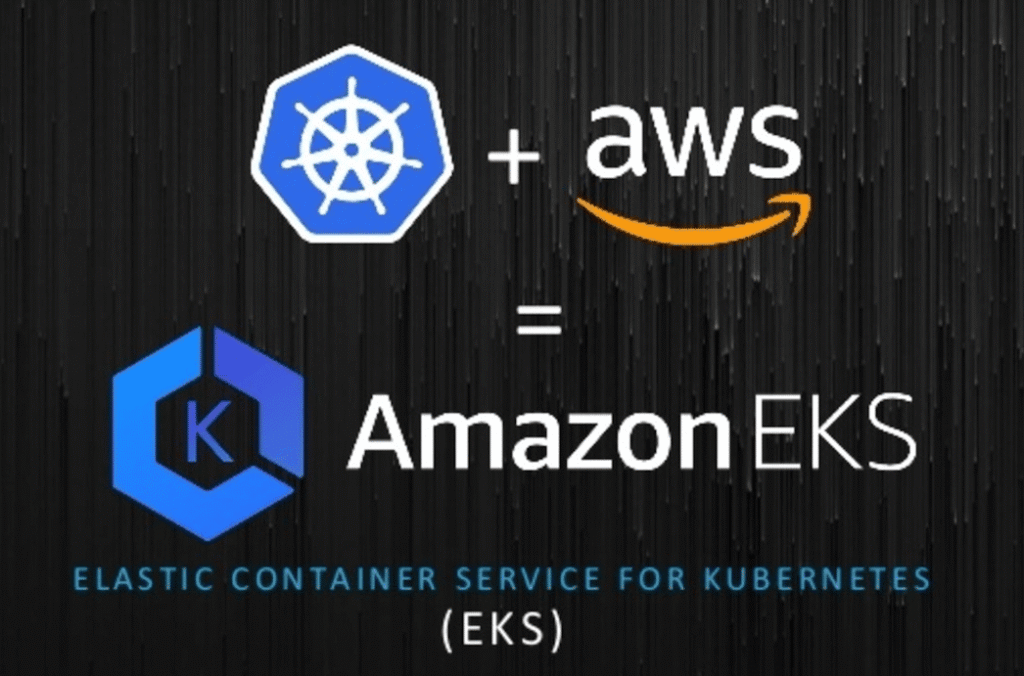
Kubernetes: The Engine of Container Orchestration
Kubernetes (often shortened to K8s) is an open-source platform that automates the deployment, scaling, and management of containerized applications. Essentially, it’s an operating system for your containers, ensuring their lifecycles are managed smoothly, they run reliably, and they maintain high availability.
Why EKS is Your Best Bet on AWS (The DevOps Advantage)
Kubernetes has transformed modern infrastructure by tackling critical operational challenges, giving DevOps teams massive advantages:
- Automation: It automatically handles deployment, scaling, and monitoring, taking complex operational tasks off your developers’ plates.
- Scalability: K8s can automatically scale your applications up or down in real time based on user demand, ensuring efficiency and cost control.
- High Availability: It constantly monitors and manages your application’s health, using advanced features like self-healing and load balancing to virtually eliminate downtime.
- Portability: Applications deployed on Kubernetes can run consistently across any environment—from your local machine to an on-premises data center or any public cloud (like AWS, Azure, or GCP).
Understanding Amazon EKS: Kubernetes Made Easy on AWS
While Kubernetes is powerful, managing its control plane manually can be complex. That’s where Amazon Elastic Kubernetes Service (EKS) comes in. EKS is a fully managed Kubernetes service that handles the heavy lifting of cluster management — including control plane provisioning, patching, security, and scalability — while still giving you full flexibility over your worker nodes and workloads.
With EKS, AWS manages:
- The Kubernetes control plane, including etcd and API servers.
- Automatic scaling of control plane nodes.
- High availability across multiple AWS Availability Zones.
- Integration with AWS services like IAM, CloudWatch, and VPC networking.
Your job? You focus on deploying your workloads. AWS handles the rest.
Step-by-Step Guide: Setting Up Your First EKS Cluster
Let’s dive into the setup process. You’ll need:
- An AWS account
- AWS CLI and kubectl installed locally
- eksctl, a simple CLI tool for creating EKS clusters
Step 1: Install the Required Tools
If you don’t already have them, install:
# AWS CLI
brew install awscli

# kubectl
brew install kubectl

# eksctl
brew tap weaveworks/tap
brew install weaveworks/tap/eksctl
Then, configure your AWS CLI with credentials:
aws configure
Enter your access key, secret, region, and output format.
Step 2: Create an EKS Cluster
The fastest way to get started is with eksctl:
eksctl create cluster \
--name my-first-cluster \
--region us-west-2 \
--nodegroup-name standard-workers \
--node-type t3.medium \
--nodes 2 \
--nodes-min 1 \
--nodes-max 3 \
--managed
This command will:
- Create a Kubernetes control plane managed by AWS.
- Launch EC2 worker nodes connected to the cluster.
- Set up the VPC, subnets, and security groups automatically.
The process may take about 10–15 minutes.
Step 3: Verify the Cluster
Once complete, verify your connection:
kubectl get nodes
You should see a list of worker nodes ready to run workloads.
Step 4: Deploy a Sample Application
Let’s deploy a simple NGINX web server:
kubectl create deployment nginx --image=nginx
kubectl expose deployment nginx --port=80 --type=LoadBalancer
Now check the external IP assigned by AWS:
kubectl get svc
Once the EXTERNAL-IP field is populated, open it in your browser — you’ll see the NGINX welcome page running in your Kubernetes cluster!
Step 5: Clean Up
When you’re done experimenting, delete the cluster to avoid charges:
eksctl delete cluster --name my-first-cluster
Bonus: Integrations and Next Steps
Once you’re comfortable with the basics, you can extend your EKS setup with powerful integrations:
- AWS Fargate: Run Kubernetes pods without managing EC2 instances.
- Cluster Autoscaler: Automatically adjusts node counts based on workloads.
- AWS IAM Roles for Service Accounts (IRSA): Fine-grained security for pods.
- CloudWatch Container Insights: Monitor performance and logs at the container level.
- ArgoCD / Flux: Implement GitOps-style continuous delivery.
Wrapping Up
Setting up a Kubernetes cluster from scratch can be intimidating — but with Amazon EKS, it’s straightforward, scalable, and production-ready from day one. EKS combines Kubernetes’ open-source flexibility with AWS’s reliability, letting DevOps teams focus on building, not managing infrastructure.
In short:
- EKS simplifies Kubernetes management
- You gain native AWS integrations
- You get the power of Kubernetes with enterprise-grade reliability
Whether you’re a developer testing microservices or an enterprise running global workloads, EKS gives you the foundation to build, scale, and innovate — confidently.